
Table of Contents
- What Remote Access Means for Storage Unit Security
- Self Storage Access Control Systems: Keypads, PIN Codes, and Credentials
- Smart Locks for Self Storage: Keyless Entry and Mobile Access
- Remote Video Monitoring for Storage Units: Cameras and Surveillance
- Physical Security: Disc Locks, Cylinder Locks, and Perimeter Measures
- Self Storage Security Best Practices for Renters
- Privacy, Data Retention, and Cybersecurity in Storage Facilities
- How to Evaluate a Facility’s Remote Access Security Features
- Frequently Asked Questions
Last Updated: October 4, 2026
What Remote Access Means for Storage Unit Security
Remote access storage unit security features let you enter a facility and open your unit without a key, using a PIN code, fob, or smartphone app that the operator issues and can revoke, making remote access storage a managed chain of checks rather than a simple key.
That chain matters because remote access changes the risk profile. A lost key opens one lock; a shared PIN can open a gate, a corridor, and a unit, and keeps working until someone turns it off.
Self Storage Access Control Systems: Keypads, PIN Codes, and Credentials
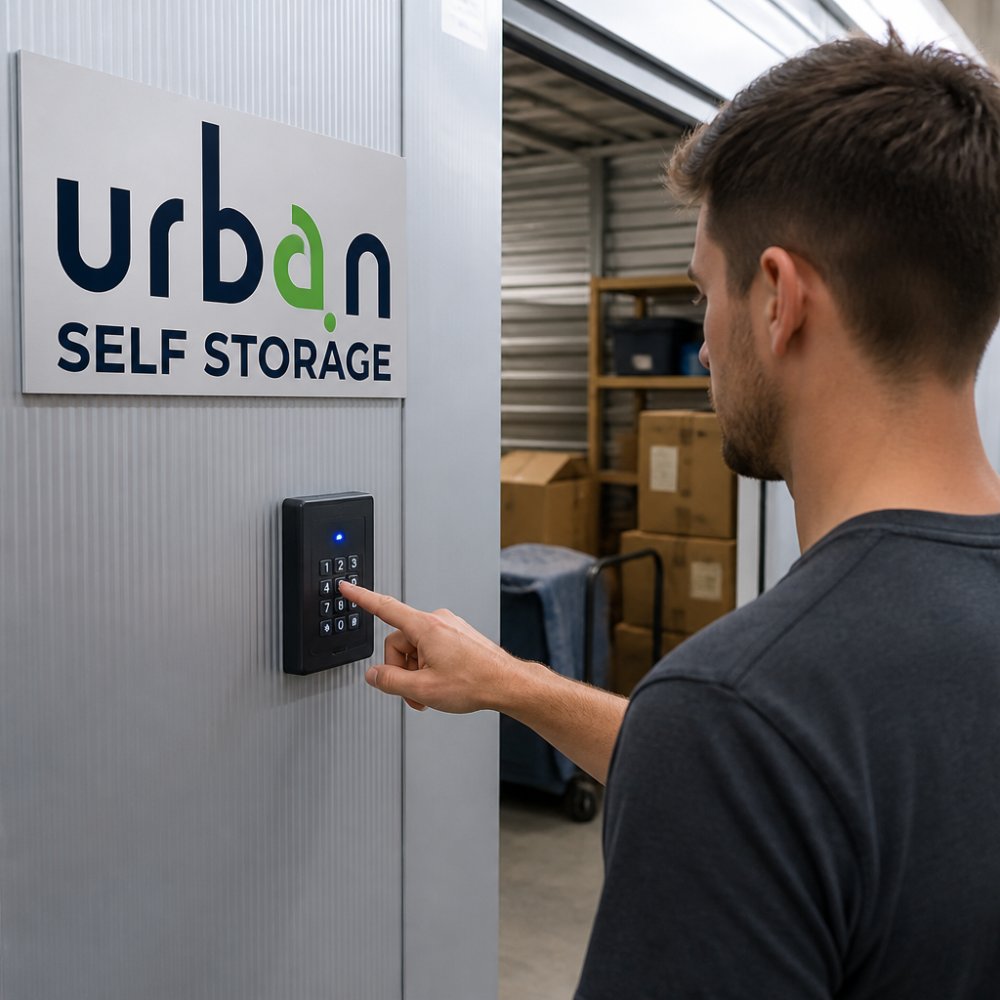
Self storage access control systems combine an electronic gate or door controller, a keypad or reader, and software that decides whether a credential is valid at that moment.
Most facilities run one of three credential types:
- PIN codes entered at a keypad, which suit renters who want nothing to carry.
- Fobs or swipe cards, which are harder to guess and easy to cancel.
- Mobile credentials stored in a smartphone app, which can be time-limited.
How Access Permissions and Entry Logs Work
Access permissions define which entry points a credential opens and during which hours. A business renter on a 24/7 plan typically gets the main gate plus their unit door; a short-term renter might be restricted to daytime hours.
Entry logs record every swipe, code, and gate opening with a timestamp, which makes a dispute resolvable. If stock goes missing, the log narrows the window to specific entry events staff can match against camera footage.
Ask how quickly a credential can be revoked. A facility that can cancel a lost fob in minutes is safer than one that needs a manager to edit a spreadsheet.
Smart Locks for Self Storage: Keyless Entry and Mobile Access
Smart locks for self storage replace the padlock on your unit door with a lock that opens via app, PIN, or code rather than a physical key. Keyless entry removes two common failure points: forgotten codes written on a phone case, and missing keys that end up with someone who moved out months ago. Mobile access adds flexibility: grant a removalist access for one afternoon, then revoke it the same evening without anyone visiting the site.
How Remote Access Permissions Are Granted, Revoked, and Audited
Remote access is only as strong as the permission model behind it.
Permissions are usually scoped along three axes:
- Which entry points the credential opens, main gate only, gate plus corridor, or gate plus your specific unit door.
- Which hours it works, 24/7 for business renters, daytime-only for short-term or casual agreements.
- Which duration it runs, ongoing for the tenant, fixed-window for a removalist or tradesperson.
Revocation should be immediate and verifiable. Ask how a lost phone or fob is cancelled: a system that pushes revocation to every reader within minutes is safer than one where a manager edits a spreadsheet and hopes the gate syncs overnight.
Auditing is the third leg. Entry logs should record every swipe, code entry, and gate opening with a timestamp and the credential used.
Account Security: Multi-Factor Authentication and Compromised Devices
A smartphone-based credential is an account, and it should be protected like one. The Australian Cyber Security Centre’s guidance on securing accounts and credentials is a sensible benchmark: multi-factor authentication (MFA) on the access app, a strong unique password, and prompt reporting of a lost or stolen device.
MFA matters because the most common remote-access failure is not a hacked gate, it is a compromised phone. If your phone is lost, report it immediately, have the credential revoked, and re-issue after identity is re-verified.
A few practical habits reduce the risk:
- Enable MFA and biometric unlock on the access app where offered.
- Do not store PINs in notes apps or photos on the same device.
- Remove the credential from a phone before selling, trading in, or repairing it.
Ask whether the facility supports revoking a single credential without affecting other tenants, and whether revocation is logged. A facility that can answer both clearly is running a genuine permission system, not just an app.
When a Phone or Account Is Compromised
If you suspect your access account has been compromised, unfamiliar entry events, an unrequested password reset, or a device you no longer control, treat it as a security incident, not a customer-service query. Contact the facility immediately, request revocation of the affected credential, and ask for the entry log covering the suspected window. If goods are missing, report to police and provide the log and any footage request in writing.
Remote Video Monitoring for Storage Units: Cameras and Surveillance
Remote video monitoring for storage units uses networked cameras so operators and monitoring providers can watch entry points, corridors, and vehicle areas in real time, not just review footage after an incident.
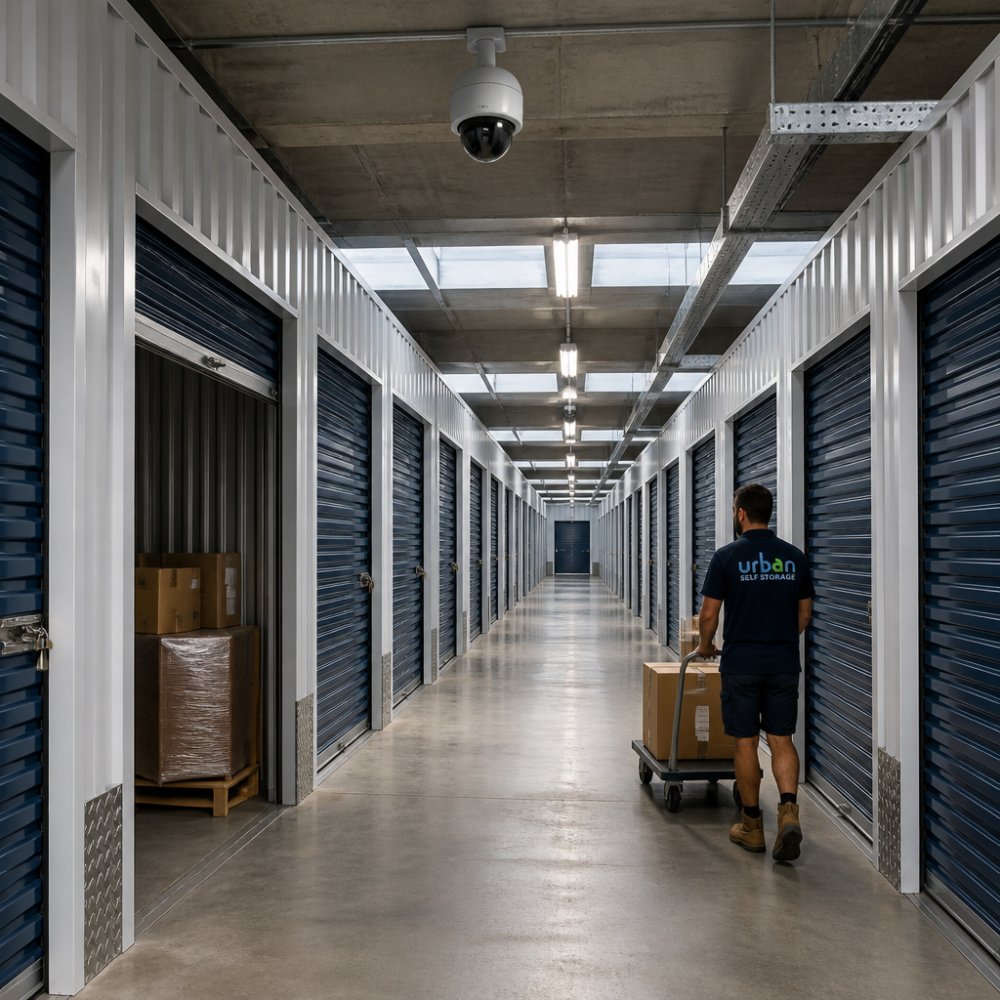
Good coverage is about angles, not camera count. A camera facing a gate records faces and number plates; one behind the gate records nothing useful. Infrared or motion-triggered lighting keeps footage usable at night.
Motion Sensors, Alarms, and Intrusion Detection
Motion sensors and intrusion detection add an active layer. Sensors in corridors and along perimeter fences trigger alerts when movement occurs outside expected patterns, such as after hours or in a zone with no booked access.
Unit alarms work differently: an alarm on an individual unit door detects opening when no valid entry event was logged. That combination, sensor plus access log, turns a random alert into a genuine intrusion signal.
Physical Security: Disc Locks, Cylinder Locks, and Perimeter Measures
Physical security still matters, because electronics fail and locks do not. A disc lock is a padlock with a shielded shackle that resists bolt cutters and remains the standard for self storage unit doors.
Perimeter measures do the first job: fencing, lighting, gated access, and clear sightlines that remove hiding spots. Layered security means an intruder must defeat the fence, gate, camera, alarm, and lock.
Book Online in 3 Minutes & Get 50% Off Instantly →
| Layer | What it stops | What to check |
|---|---|---|
| Perimeter fence and lighting | Casual trespass | Height, condition, night lighting |
| Gated access and keypad | Unauthorised entry | Credential type, hours control |
| Cameras and motion sensors | Undetected entry | Coverage angles, recording retention |
| Disc or cylinder lock | Forced entry to unit | Lock quality, door condition |
| Alarm monitoring | Delayed response | Who responds, and when |
Self Storage Security Best Practices for Renters
Self storage security best practices start with the credential you hold. Never share a PIN or fob, and report a lost credential the same day. Most access-control breaches come from credentials that were shared and never revoked.
Other habits that make a real difference:
- Keep a written inventory with photos and serial numbers, stored separately from the unit.
- Use a quality disc lock rather than a hardware-store padlock.
- Avoid storing items that are obvious targets in a unit visible from the corridor.
What to Do When Remote Access Fails
Remote access fails in predictable ways: a flat phone battery, an app outage, a forgotten code, or a keypad with no power. If the app will not load, use the keypad PIN as a backup. If you have forgotten the code, contact the facility during office hours rather than attempting repeated entries, which can lock the keypad. If a gate is stuck open or a reader is dead, report it immediately, an unsecured gate is a facility-wide risk.
Never prop a gate or door open because your credential failed. It defeats every layer behind it, and most facilities treat it as a breach of your agreement.
Privacy, Data Retention, and Cybersecurity in Storage Facilities
Access control systems collect personal information: your name, contact details, entry times, and sometimes vehicle registration. Under the Privacy Act 1988 and the Australian Privacy Principles, facilities must handle that information lawfully and tell you what they collect and why.
Two questions are worth asking before you sign:
- How long is footage retained? Long enough to investigate an incident, not indefinitely.
- Who can see your entry logs? Staff only, on a need-to-know basis.
Cybersecurity matters here too. A cloud-based access system is only as strong as its account security, which is why multi-factor authentication and prompt credential revocation are baseline expectations, not extras.
How to Evaluate a Facility’s Remote Access Security Features
Judging a facility takes about fifteen minutes if you know what to look for. Walk the site, then work through the questions below. The goal is not to tick every box but to understand which trade-offs the operator has made, and whether they suit how you will use the unit.
Compare Credential Types by What Matters to You
PIN, fob, mobile, and biometric credentials are not interchangeable. They differ on convenience, auditability, reliability, and privacy, and the right choice depends on your pattern of use.
| Credential | Convenience | Auditability | Reliability | Privacy |
|---|---|---|---|---|
| PIN code | High, nothing to carry | Good, each entry logged | High, works without a phone | Low, can be observed or shared |
| Fob or swipe card | High, small, durable | Good, unique per fob | High, no battery or network needed | Moderate, can be lost or lent |
| Mobile credential | Very high, phone is always with you | Strong, tied to an account | Depends on battery and network | Strong if MFA is enabled |
| Biometric | High once enrolled | Strong, tied to a person | Depends on reader condition | Strong, but biometric data is sensitive |
A business renter needing 24/7 access and a clean audit trail will usually prefer a mobile credential with MFA. A casual renter who visits monthly may find a fob simpler and less dependent on a charged phone.
Selection Criteria: What to Verify Before You Sign
Work through these in order. The first four are non-negotiable for a genuinely layered system; the last three are about fit and transparency.
- Identity verification at sign-up. Does the facility check photo ID before issuing a credential? If not, the audit trail starts with an unverified name.
- Immediate revocation. Can a lost fob or phone be cancelled within minutes, and is the revocation logged?
- Entry logs retained and accessible. Are logs kept, for how long, and can you request your own after an incident?
A facility that answers all seven clearly is running a genuine layered system. One that hedges on revocation, retention, or MFA is not, and a vague answer on those three usually means the control does not exist.
Measuring Whether the Security Actually Works
Features on a brochure are not the same as features in operation. A few measures tell you whether a facility actively manages its system rather than just installing it:
- Access-log review frequency. Are logs reviewed routinely, or only after an incident? Routine review catches anomalies early.
- Alarm response time. How quickly does someone respond to an alarm, and is that response documented?
- Camera coverage and uptime. Are cameras checked for blind spots and outages, or only noticed when footage is needed?
You will not get precise numbers from most operators, and you should be cautious of any that volunteer impressive-sounding figures without evidence. What you can reasonably ask is whether these measures are tracked at all. A facility that tracks them usually acts on them.
Security is a shared responsibility. The facility controls the perimeter, the gate, the cameras, and the access system. You control your credential, your lock, your inventory, and your insurance. No facility can eliminate theft risk entirely, what a good one does is make the site unattractive to casual opportunists and give you the evidence to resolve a dispute if something does go wrong.
At Urban Self Storage, our East Bunbury and Picton sites combine 24/7 CCTV surveillance, controlled gated access, and clean, modern units, with flexible short and long-term options and a move-in process that takes under ten minutes. Whether you need business storage for excess stock or somewhere secure for a caravan between trips, the same access controls apply, and if you are weighing up options, our Caravan Storage in Bunbury and Short and Long Term Storage in Bunbury WA pages set out how those arrangements work.
Frequently Asked Questions
What does remote access mean for a storage unit?
Remote access for a storage unit lets you manage entry without being on site. You can grant or revoke access permissions for family members, employees, or contractors through a web portal or app. Entry events are logged, so you see who entered and when. This is useful if you are relocating, running a business, or storing tools that staff need during the week. It does not mean you can open the unit from your phone; it means you control who can.
How does mobile access control work at a storage facility?
Mobile access control uses your smartphone as a credential. You receive a digital key or PIN code through an app, then hold your phone near a reader at the gate or unit door. The system checks your access permissions and logs the entry. Some facilities send temporary codes to contractors or removalists, which expire after a set time. This removes the need for physical keys and lets you grant access from anywhere.
Are smart locks more secure than traditional storage locks?
Smart locks for self storage offer advantages like audit trails and remote revocation, but they are not automatically more secure than a quality disc lock. A disc lock resists cutting and drilling and is a strong physical deterrent. Smart locks add convenience and monitoring. The best facilities use both: a disc lock on your unit door and electronic access control at the gate. Ask what layers are in place before you decide.
What happens if a storage access system loses power or internet?
Reputable facilities have backup procedures. This may include battery backups, manual override keys held by on-site staff, or a documented process to verify your identity and escort you to your unit. Before you sign a lease, ask what happens during an outage and how you would access your belongings. A clear emergency plan is a sign of a well-run facility.
What should I check before choosing a storage facility with remote access?
Ask about access control systems, camera coverage, alarm monitoring, and how access permissions are managed. Check whether entry logs are available to you and how privacy is handled. Visit the facility to see cleanliness and lighting. Confirm what happens if remote access fails and whether on-site staff are available. Also review the rental agreement for any restrictions on access hours or frequency.
How do cameras and alarms help protect storage units?
Cameras and alarms work together as a deterrent and a response tool. Remote video monitoring for storage units records activity at entry points and corridors. Motion sensors and unit alarms detect unusual movement. If an alarm triggers, monitoring staff can check cameras and contact you or authorities. This layered approach means a single failure does not leave your belongings unprotected. Ask how long footage is retained and who can view it.
Remote access is only as good as the facility behind it. If a credential is shared, a log is ignored, or a gate is propped open, the whole chain weakens. Urban Self Storage pairs 24/7 CCTV surveillance with controlled gated access, multi-size units, and flexible short and long-term agreements, so your belongings stay secure whether you visit weekly or once a season. Book online now and secure a unit that fits how you actually use it.