
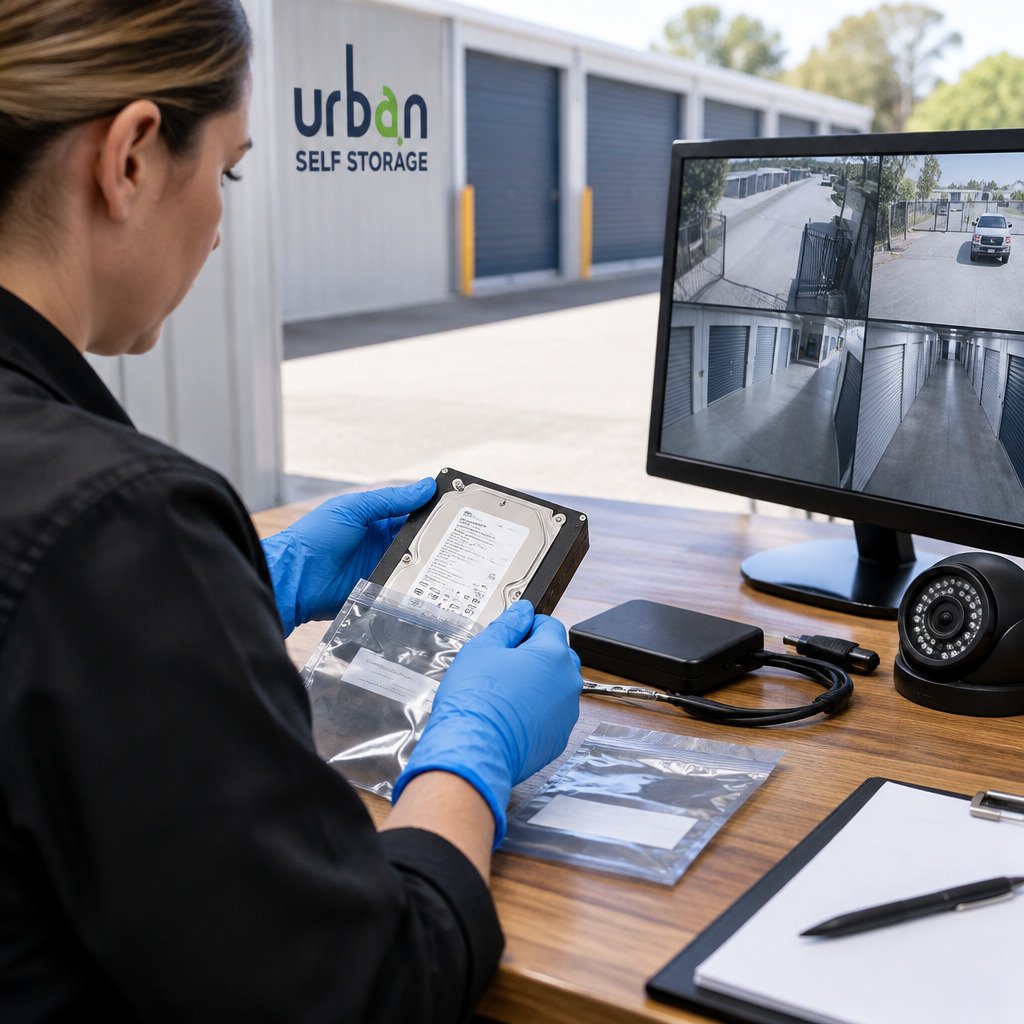
Last Updated: November 14, 2026
Quick Summary
To learn how to preserve CCTV footage as evidence in Australia, act quickly, because many systems overwrite old recordings automatically. Export the footage in its native format, verify it with a hash, and keep a written chain of custody record.
- Check the recorder’s retention setting first, since older footage can be overwritten automatically.
- Export footage in its original native format, not a re-encoded file.
- Record a cryptographic hash such as SHA-256 at export to support integrity.
- Make at least two copies and work only from a working copy, never the original.
- Keep a chain of custody log showing who handled the footage, when, and why.
Table of Contents
- Why Acting Fast Matters When Preserving CCTV Footage
- A Preservation Checklist for the First Hours After an Incident
- How to Request CCTV Footage from a Business or Property Owner
- CCTV Footage Retention Period in Australia and Why It Matters
- Exporting Native Footage from Common DVR and NVR Systems
- How to Copy CCTV Footage Without Losing Quality
- Documenting the Chain of Custody for CCTV Evidence
- Booking Secure Storage for Your Records and Equipment
- Frequently Asked Questions
Why Acting Fast Matters When Preserving CCTV Footage
If you need to use CCTV footage as evidence in Australia, speed is your biggest ally, and knowing how to preserve CCTV footage as evidence in Australia starts with acting quickly. Many systems record over old footage automatically. Once the footage is overwritten, it is gone for good.
This guide walks you through how to preserve CCTV footage as evidence in Australia. It covers the first steps, how to request footage, how to export it properly, and how to keep a clear record of who handled it.
Note: This is general information, not legal advice. If a matter could go to court or involves police, speak with a lawyer or the relevant authority about your specific situation.
A Preservation Checklist for the First Hours After an Incident
Start with these steps as soon as you can:
- Note the date, time and location of the incident while your memory is fresh
- Identify every camera that may have captured the event
- Save or lock the relevant footage before the system overwrites it
- Make a note of who has access to the recorder
- Photograph the recorder screen and its settings, including the displayed date and time
A common mistake is assuming the system will keep footage indefinitely. Check the recorder’s retention setting first, then act on what you find.
How to Request CCTV Footage from a Business or Property Owner
If the footage belongs to a business or property owner, ask in writing. Your request should include:
- The date, time window and camera locations you need
- The reason for the request, kept brief and factual
- A request that the owner preserve the footage pending resolution
Keep copies of all correspondence. A written trail makes it much easier to show what you asked for and when.
CCTV Footage Retention Period in Australia and Why It Matters
Retention periods vary widely because they are set by the system, not by a single national rule. Footage may be overwritten within days on some systems and may be held for several weeks or longer on others. The practical retention window depends on four things: hard-drive capacity, the number of cameras, the recording mode (continuous versus motion-triggered) and the resolution and frame rate configured.
Because older footage is overwritten automatically, the window to act can be short. Check the recorder’s retention setting first, most systems display an estimated retention period in the storage or recording menu, then act on what you find rather than assuming the footage will still be there tomorrow.
Privacy rules also affect how footage can be stored, accessed and shared. Privacy legislation at both Commonwealth and state and territory level can apply to organisations that operate CCTV, depending on where the system is located and who operates it. In practice this means a business may be limited in what it can disclose, to whom, and for how long it can keep footage that is no longer needed. If you are requesting footage from an organisation, expect it to balance your request against those obligations, and put your request in writing so the organisation can document its decision.
Legal process also varies by jurisdiction. Evidence legislation and court rules governing how CCTV footage is produced, served and admitted can differ between states and territories, as can the process for obtaining footage held by a third party. This guide gives a national overview only; if a matter is heading to court, confirm the current requirements with a lawyer or the relevant court registry in the jurisdiction where the matter will be heard. Do not rely on a general retention figure you have read online, confirm it against the actual recorder and the actual legal process that applies to your matter.
Exporting Native Footage from Common DVR and NVR Systems
Export footage in its original, native format wherever possible. Converting, re-encoding or screen-recording it can reduce quality, strip metadata and weaken its value as evidence. Most recorders store footage in a proprietary container (for example, a manufacturer-specific .dav, .264 or .exe bundle) that bundles video, audio and a timestamp overlay. The native export preserves that container; a re-encoded MP4 does not.
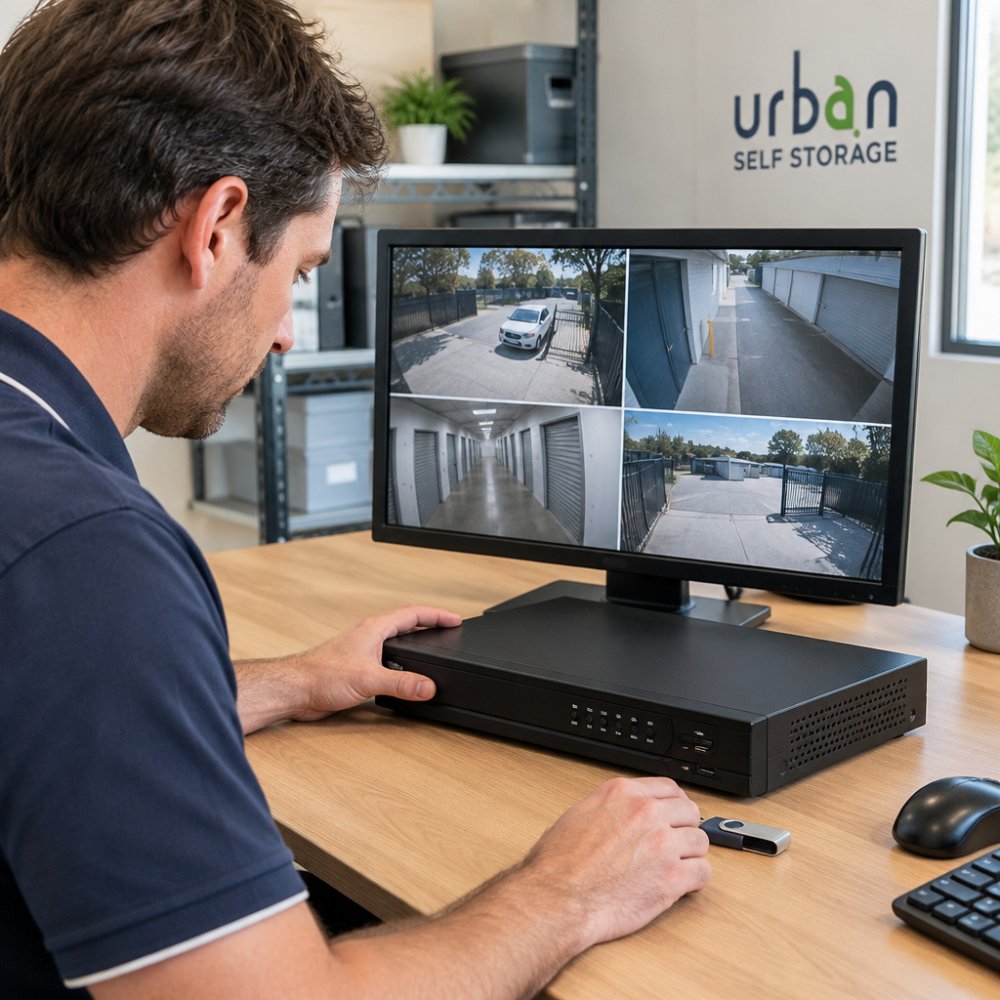
Typical steps across most DVR and NVR systems include:
- Log in to the recorder with an authorised account (not a shared guest login)
- Select the camera and the exact date and time range, note the recorder’s clock, not your phone’s
- Choose the export option and the native file format, plus any bundled player the manufacturer supplies
- Export to a freshly formatted USB drive or external hard drive
- Record the file name, size, export time, recorder make and model, firmware version and the operator’s name
Menus differ between manufacturers, so consult the system manual if you cannot find the export option. Where the recorder supports it, export a backup of the configuration alongside the footage, camera settings, retention schedule and time-zone configuration help demonstrate the footage is what the system actually captured.
Watch out: some recorders default to a compressed or “watermarked” export that re-encodes the stream; check the export menu for a native or raw option before you commit, because a re-encoded file can be harder to authenticate later.
If the recorder will not export, a common problem with older units, locked firmware or a failed USB port, do not resort to screen-recording as your primary copy. Instead, photograph the playback screen with the recorder’s date and time visible, note the make, model and serial number, and seek a forensic imaging specialist who can extract the drive directly. A screen recording can support a native export but should not replace it.
Once exported, verify integrity before you rely on the file. A simple and widely used method is to generate a cryptographic hash (such as SHA-256) of the native file at the moment of export and record the hash value in your log. Re-run the hash on each copy later; if the values match, the file has not changed. Free hashing tools are available for all major operating systems, and many forensic practitioners will hash on site and provide a signed record. Recording a hash at export is one practical way to support a claim that the footage is unaltered.
The table below summarises the key steps and cautions for exporting footage from a recorder.
| Item | Recommended action | Note |
|---|---|---|
| Export format | Native or raw file | Re-encoded files can be harder to authenticate |
| Export target | Freshly formatted USB or external drive | Keeps the copy separate from the recorder |
| Time reference | Recorder’s clock | Do not rely on your phone’s time |
| Integrity check | Hash such as SHA-256 at export | Record the hash value in your log |
| Export failure | Photograph playback and note make, model and serial | Do not rely on screen recording as the main copy |
| Config backup | Export camera and retention settings | Helps show footage matches what was captured |
How to Copy CCTV Footage Without Losing Quality
Once exported, make at least two copies. Keep one as an untouched original and work only from a working copy. Never edit or overwrite the original.
Store copies on separate devices so a single failure does not destroy the only version. Check that each copy plays properly before you rely on it. If you need a secure place to keep the original drive or spare copies, a Caravan Storage in Bunbury is not suited to records, so consider a Business Storage in Bunbury unit instead, which offers a dry, lockable space for equipment and documents.
Documenting the Chain of Custody for CCTV Evidence
Chain of custody is a written record of who handled the footage, when, and what was done with it. For guidance on privacy and data protection when storing and sharing recordings, see our dedicated guide. Your log should include:
- Who exported the footage and from which system
- The date, time and method of each transfer
- Where each copy is stored and who can access it
- Any changes made, with a clear reason
Good records help show the footage has not been altered. Keep this log with the original file. Readers preparing footage for an insurance claim can see how CCTV evidence supports a claim and what documentation insurers typically expect.
Booking Secure Storage for Your Records and Equipment
Original footage, storage drives and paper records need a safe, dry place to stay intact. Urban Self Storage offers secure storage across Western Australia, with 24/7 CCTV surveillance to help protect what you keep with us. If you need space for records or equipment, you can browse our storage options to find a suitable unit.
Frequently Asked Questions
How do I preserve CCTV footage as evidence?
Act quickly, because many systems overwrite recordings within days or weeks. Export the original file in its native format rather than screen-recording the playback, store a copy on separate media, and note the date, time and camera for each clip. Avoid editing, enhancing or compressing the file. Record who exported it, when and how, so the copy can later be shown to be unaltered. Keep the original recorder untouched where possible, and if the matter is serious, consider asking police or a qualified forensic specialist to help with the export. Guidance here is general information only; for your specific situation, seek legal advice.
How long should CCTV footage be kept?
There is no single retention period that applies across Australia for private CCTV footage. Many systems are set to overwrite automatically after a fixed number of days, so the practical limit is often how long the recorder holds data. If you know an incident may lead to a complaint, claim or prosecution, export and secure the relevant footage as soon as possible rather than relying on the default retention setting. Check with a legal adviser about any obligations that apply to your particular situation or business.
Can CCTV footage be used as evidence in court?
CCTV footage can be presented as evidence in Australian courts, but it must be shown to be relevant and reliable. The party relying on it usually needs to establish where it came from, that it has not been altered, and that the time and date settings are reasonably accurate. Preserving the original native file, documenting how it was exported and keeping a clear chain of custody all help with this. The specific admissibility rules depend on the court and the jurisdiction, so legal advice is recommended.
How do I request CCTV footage from a business or property owner?
Make the request in writing as soon as possible, identifying the date, approximate time window, location and camera area you need. Ask the business to preserve the footage while the request is considered, and keep a copy of your request and any reply. Explain why you need it, and ask how they intend to provide it, for example as an exported file on a USB drive. Some businesses may have privacy or consent considerations before sharing footage, so you may need to seek advice on lawful sharing before proceeding.
