
Last Updated: November 16, 2026
Quick Summary
Smart storage security is a layered system of connected devices that watch, record and control access to a storage facility. High-definition CCTV, motion detection, electronic access control and real-time monitoring work together so each layer backs up the one before it. No single gadget keeps your belongings safe.
- A camera linked to an alarm and monitoring service deters intruders, while a camera alone only records.
- Keyless access uses PIN codes, smartphone apps or biometrics, and every entry is logged against a credential.
- Smart locks add access logs, remote management and tamper alerts, but depend on power and connectivity.
- Before signing, ask staff to demonstrate a live camera feed, an access log entry and a test alert.
- Ask what the backup access method is for power cuts, network outages and lost credentials.
Table of Contents
- How Smart Storage Unit Security Technology Actually Works
- The Self-Storage Security Systems Behind a Protected Facility
- Keyless Access for Storage Units: PIN Codes, Apps and Biometrics
- Smart Storage Locks vs Traditional Padlocks
- Storage Unit Security Features to Check Before You Sign
- Where Smart Security Falls Short: Privacy, Outages and Cyber Risk
- What Happens When an Alert Fires: Incident Response and Backup Access
- Book a Unit and See the Security Setup for Yourself
- Frequently Asked Questions
How Smart Storage Unit Security Technology Actually Works
Smart storage unit security technology is a layered system of connected devices that watch, record and control access to a storage facility.
One weak layer is easy to beat. Several working together is not.
That is the core idea behind smart storage security. For the bigger picture, explore how AI, smart locks and IoT enhance storage security.
Below, we break down the seven technologies that matter, where they fall short, and how to check a facility before you sign anything.
The Self-Storage Security Systems Behind a Protected Facility
A protected facility runs on a few systems working side by side. These are the self-storage security systems you should expect to see at any site worth trusting.
The main layers are:
- Electronic access control at gates and doors
- CCTV cameras covering entry points and lanes
- Motion sensors inside and around buildings
The key word is layered. A camera alone only records. A camera linked to an alarm and a monitoring service actually deters intruders.
According to the Australian Cyber Security Centre, connected devices need regular updates and strong passwords to stay secure.
CCTV, Motion Detection and Real-Time Alerts
CCTV cameras do the watching. High-definition video gives clear footage of faces, vehicles and number plates at entry points.
Motion detection adds the trigger. When a sensor picks up movement in a restricted area, it sends an alert.
Here is how the three work as a chain:
- A motion sensor detects movement after hours.
- The system sends a real-time alert to staff.
- Cameras capture video of the area.
- Someone checks the footage and acts.
Without the alert, footage is just a record of what already happened. The alert is what turns a camera into a deterrent.
Keyless Access for Storage Units: PIN Codes, Apps and Biometrics
Keyless access for storage units replaces physical keys with digital credentials.
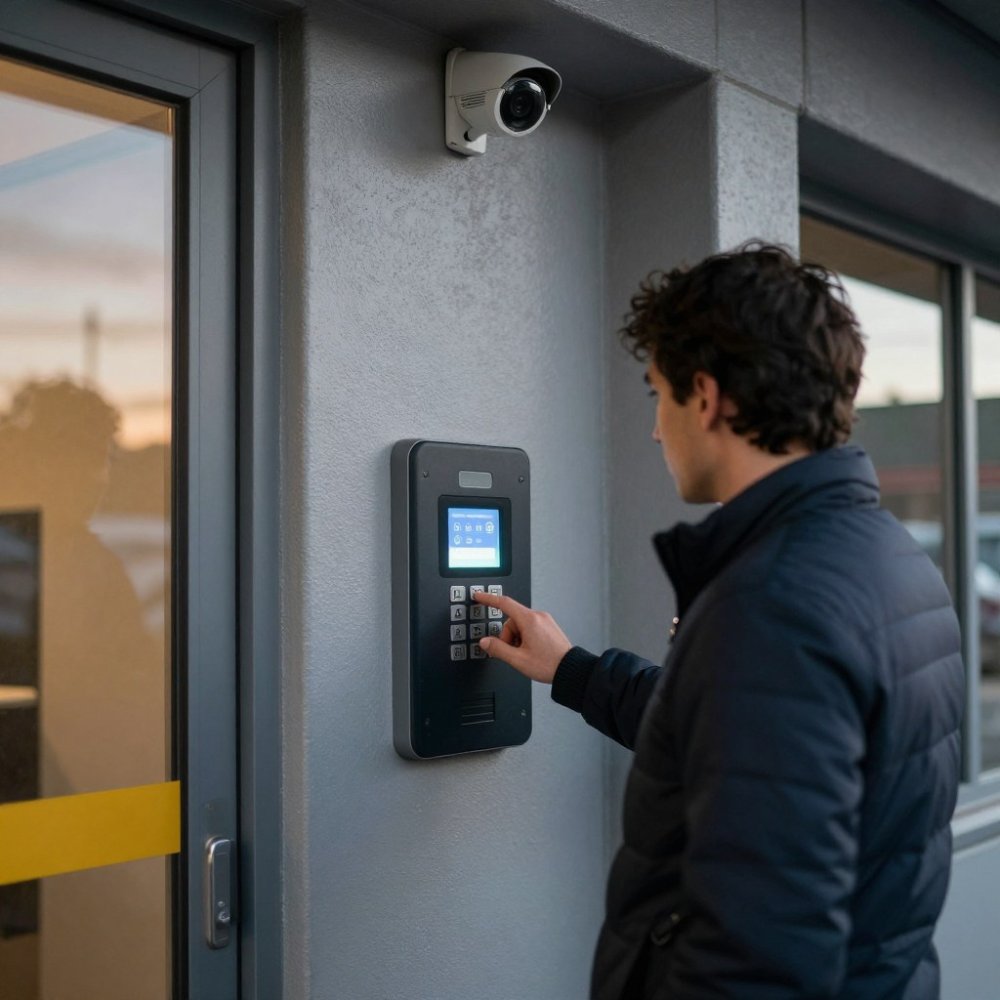
Each method has trade-offs:
- PIN codes are simple and easy to share with a trusted person.
- App-based access lets you open a gate from your phone and tracks each entry.
- Biometric access uses a fingerprint scanner or facial recognition, so there is nothing to lose or lend.
The big win is access logs. Every entry is recorded against a credential. If something goes wrong, the facility can see exactly who came in and when.
For a deeper look at how these credentials work at a facility, read our guide to access control in self storage.
Each keyless method trades convenience against control in a different way.
| Method | How it works | Key difference |
|---|---|---|
| PIN code | Personalized code instead of a padlock key | Simple and easy to share with a trusted person |
| App-based access | Open a gate from your phone | Tracks each entry |
| Biometric access | Fingerprint scanner or facial recognition | Nothing to lose or lend |
Smart Storage Locks vs Traditional Padlocks
Smart storage locks win on control and tracking. Traditional padlocks win on simplicity and price.
Traditional padlocks are cheap, tough and need no power or app. But a lost key means a cut lock, and there is no record of who opened it.
Smart storage locks generally offer several advantages:
- Digital credentials instead of a key that can be copied
- Access logs showing every open and close
- Remote management so a code can be cancelled if a phone is lost
The catch is reliance on power and connectivity. A flat battery or network outage can lock you out until it is fixed. That is why backup access matters.
Storage Unit Security Features to Check Before You Sign
Many facility pages describe their technology but say less about how to verify it. This section covers what to look for, how to test the claim, and what evidence to keep before you sign.
Start with the physical layers you can see:
- Entry control at the gate, the building door and any internal doors, keypad, card, app or biometric, not a shared key.
- Camera coverage at the gate, along drive lanes, at lift lobbies and facing unit doors. Ask to see a live view, not a brochure photo.
- Motion sensors and alarms in restricted areas such as lanes after hours and plant or switch rooms.
How to Verify, Not Just View
A walkthrough is only useful if you test the claims. A common pattern is to ask three questions for every feature:
- Show me it working. Ask staff to demonstrate a live camera feed, an access log entry and a test alert.
- Who responds, and how fast? Ask whether alerts go to on-site staff, an off-site monitoring centre or the manager’s phone, and what the expected response time is.
- What happens when it fails? Ask for the backup access procedure and how you would be contacted during an outage.
Watch out: a camera that records but is not monitored is evidence after the fact, not a deterrent. Ask specifically whether footage is reviewed in real time or only pulled after an incident.
A Seven-Point Walkthrough Checklist
Use this on your visit. Tick an item only if you have seen it working or had it explained clearly.
- Cameras cover the gate, lanes and unit doors, and a live feed is shown
- Entry uses a keypad, app, card or biometric, not just a shared key
- Motion sensors are fitted in restricted areas and trigger an alert
Evidence to Keep Before You Sign
Good operators document their security. Before signing, ask for and keep:
- A copy of the access and backup-access procedure.
- Confirmation of how access logs are stored and for how long.
- The facility’s privacy notice covering camera footage and access data.
This matters for insurance as well. Many contents policies require reasonable care and may ask how the unit was secured. Check your policy wording and confirm with your insurer what evidence they expect.
For a fuller list, see our guide to the top security features to look for in a storage facility.
Where Smart Security Falls Short: Privacy, Outages and Cyber Risk
Smart security is not flawless. The same connectivity that makes it useful also creates risk.
The main weak points are:
- Outages. A power cut or network failure can disable app-based access.
- Cyber risk. Connected locks and cameras can be hacked if poorly secured.
- Privacy. Cameras and access logs collect personal data that must be protected.
Data privacy is a real concern. The Office of the Australian Information Commissioner sets out how businesses must handle personal information under Australian privacy law.
The lesson is simple: smart security needs a backup. To see how one facility protects customer data, read about smart storage cybersecurity.
What Happens When an Alert Fires: Incident Response and Backup Access
An alert is only as good as the response behind it. This section sets out a practical workflow for operators and what a renter should expect when something goes wrong.
The Operator Workflow
A common pattern at well-run facilities runs in stages:
- Detect. A motion sensor, door contact or access anomaly triggers an alert.
- Triage. Staff or a monitoring team check the live feed and the access log to see whether the alert matches an authorised entry.
- Verify. They confirm whether it is a real threat, a false alarm or a maintenance issue.
- Respond. Police are called if needed; the site is secured; affected customers are contacted.
- Record. The incident is logged with time, location, footage reference and actions taken.
- Review. The log is reviewed to fix the cause, a faulty sensor, a blind spot or a process gap.
Watch out: without a written triage step, staff can waste time on false alarms and miss a real one. Ask whether the facility has a documented triage procedure and who is authorised to call police.
Evidence Handling
Footage and access logs are only useful if they are preserved properly. Ask the facility:
- How long camera footage is retained, and whether it can be exported for police or insurers.
- Whether access logs are time-stamped and tied to individual credentials.
- Who can access the footage, and how that access is itself logged.
This connects to privacy obligations. Camera footage and access data are personal information, and facilities must handle them consistently with Australian privacy law. The Office of the Australian Information Commissioner sets out how businesses must handle personal information. A good facility can explain its retention period and who can view footage.
What a Renter Should Expect
If an incident affects your unit, you should expect:
- Prompt contact through the channel you nominated.
- A clear description of what happened and what was done.
- A reference number or incident record for your insurer.
Keep your own record too: photographs of your stored items, receipts for high-value goods, and a note of your lock and access arrangements.
Backup Access When Systems Fail
App-based access and electronic locks depend on power and connectivity. A flat battery, a network outage or a lost phone should not leave you locked out indefinitely.
Ask the facility:
- What the backup access method is, a physical key, a staff-assisted entry or an offline code.
- How you would be contacted during an outage.
- What the expected restoration time is.
Never share your PIN or app login with someone you would not trust with the unit key. A shared code is a shared risk, and it weakens the access log that protects you.
Book a Unit and See the Security Setup for Yourself
The best way to judge smart storage security is to see it in person. Ask questions, walk the site and check the systems are real, not just promised.
Urban Self Storage offers advanced 24/7 CCTV surveillance and modern, clean facilities across our East Bunbury and Picton locations. Our flexible short and long term storage in Bunbury WA options suit a renovation, a move or extra business stock, and our large storage units in Bunbury give bigger items room to breathe under the same monitored setup. You can see our own secure personal storage units and the security features that protect them.
Get started with Urban Self Storage and store your belongings with confidence.
Ready to see the security for yourself? Book a unit online in minutes and walk through the setup before you commit.
Frequently Asked Questions
What is smart storage unit security technology?
It is the combination of digital access control, cameras and sensors that a facility uses to protect units. Instead of a single padlock, smart storage security layers electronic entry (PIN codes, apps or fobs), high-definition CCTV, motion detection and real-time alerts. Each layer records activity, so managers can see who entered, when, and which unit was opened. The result is faster detection of unauthorised access and a clear access log if something goes missing.
Are smart storage locks more secure than traditional padlocks?
They solve different problems. A good padlock resists physical attack on one door, but nobody knows it has been cut until someone checks. Smart storage locks log every open and close and can trigger an alert when a unit is accessed outside expected hours. Some facilities combine electronic access with a padlock on the unit itself, which can give you both audit trails and physical resistance. Ask which parts of the system the facility controls and which are yours.
Can I get into my unit outside business hours with keyless access?
That depends on the facility’s access policy, so confirm it before booking. Keyless access for storage units often comes with defined access hours, so confirm the times that apply before booking. Ask what happens if you need odd-hour access for trade tools or stock, whether there is a phone number for access problems, and how backup access works if your phone is flat or the panel is offline.
What security features should I look for in a storage facility?
When comparing facilities, consider the security layers that matter most, such as CCTV coverage, controlled entry, alerts, access records and a backup plan for power or network outages. Ask to walk the site before signing and look at where cameras point. A facility that explains its storage unit security features plainly, and shows you the setup, is usually the one that maintains it.
